
Download Instant Lomo – lomo effect, photo editing, instant lomo, vintage photos, retro style, mobile photo editor, quick edits, creative photography
Overview
Instant Lomo is a mobile application designed for users seeking to apply the classic lomo effect to their photographs without the complexity of professional editing software. Developed by Jason A. Bilbrey, the app targets photography enthusiasts and casual users interested in adding a nostalgic, artistic flair to their images. Its primary function is to emulate the unpredictable, vibrant, and slightly distorted characteristics of vintage lomography cameras—such as color saturation, light leaks, and soft focus—through a streamlined interface. The app is particularly useful for users who want to enhance casual snapshots with a retro aesthetic quickly and without technical barriers.
While the application does not offer advanced tools like layering or precise exposure controls, it serves a niche purpose: delivering a simplified, accessible path to creative photo retouching. Real-world use cases include social media content creation, personal photo albums, and quick visual storytelling. The app’s lightweight nature and lack of installation requirements make it ideal for on-the-go editing, especially for users who prefer minimal software footprint. Despite its age—released in November 2010—Instant Lomo remains a notable example of early mobile photo editing tools that prioritized simplicity over complexity. Its presence in the photography category underscores a growing demand for accessible, creative utilities on smartphones.
Key Features & Functionality
- User-Friendly Interface: Instant Lomo features a minimalistic layout that reduces visual clutter, allowing users to focus on editing without distraction. The interface is designed to be intuitive, making it suitable for beginners and experienced users alike. Although no real-time preview is available, the straightforward design helps users navigate core functions with ease.
- Lightweight Application: At just 2.5 MB, the app is extremely lightweight and does not require installation. This makes it ideal for users with limited storage or those who prefer portable tools that can be run directly from a device’s memory or external drive.
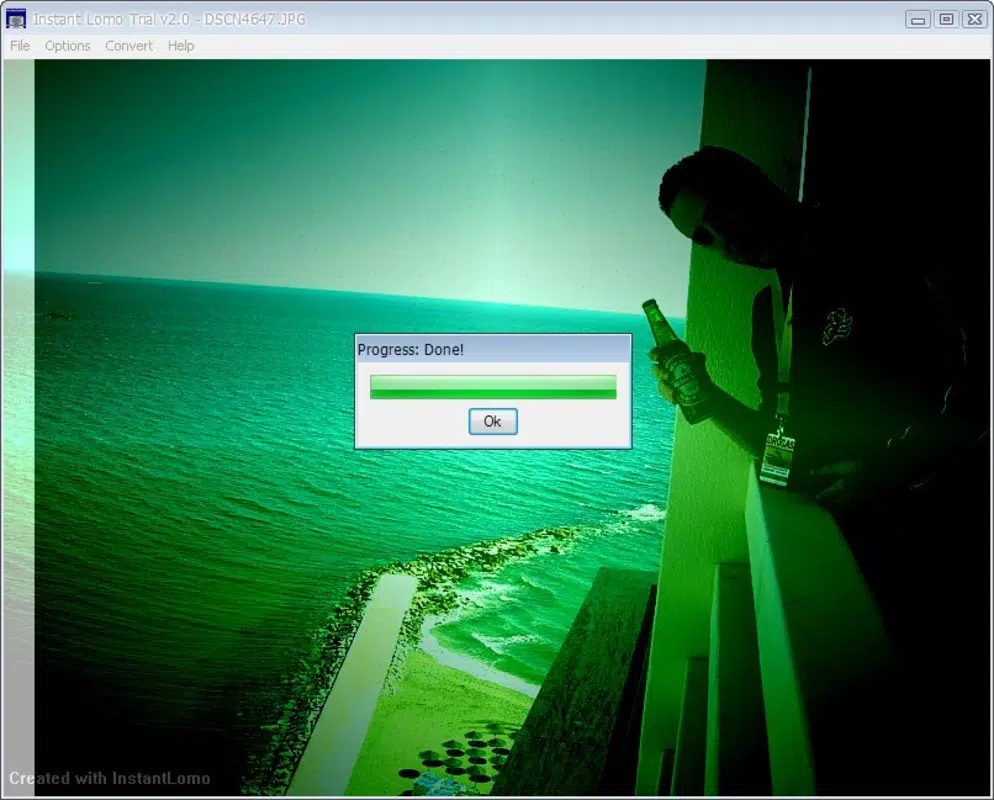
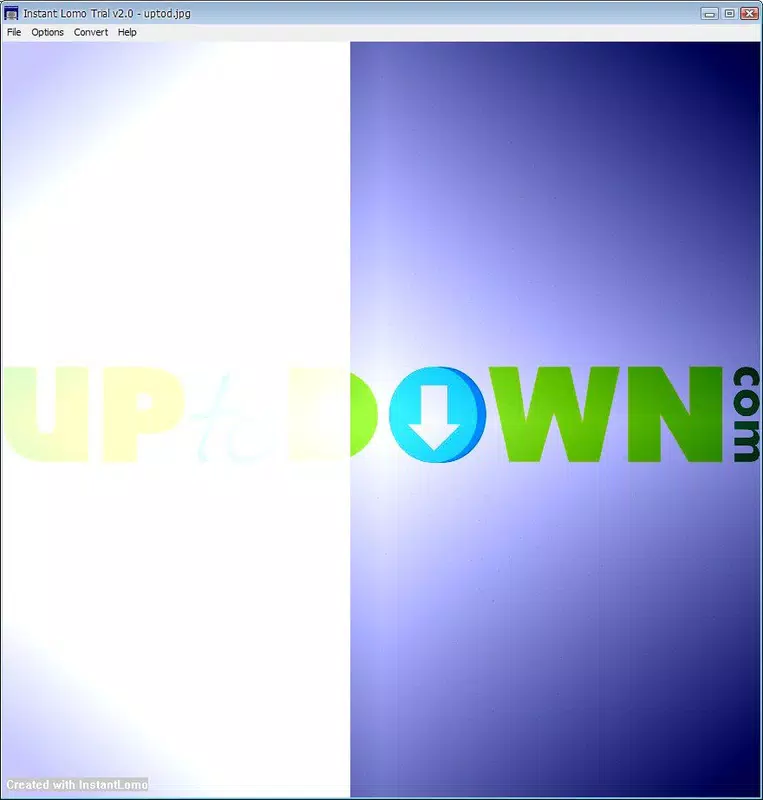
- Classic Lomo Effects: The app specializes in generating the iconic lomo aesthetic—characterized by vivid colors, vignetting, soft focus, and subtle light leaks. These effects are applied through preset parameters that mimic the unpredictable charm of analog film photography.
- Trial and Error Learning: Since changes are applied immediately without preview, users are encouraged to experiment with different settings. Over time, this process helps users understand how each parameter affects the final image, leading to more consistent results.
- Decent Results Overall: Despite its limitations, Instant Lomo can produce aesthetically pleasing outcomes when used with deliberate practice. Many users report achieving visually striking retro-style photos with minimal effort, especially for casual or artistic purposes.
Real-World Use Case Example
A user at a local festival might capture several candid moments and use Instant Lomo to apply a vintage lomo effect before posting them on social media. The app’s speed and simplicity allow for quick enhancements that align with the nostalgic theme of the event, making the photos more engaging and cohesive in tone.
Interface, UX & Performance
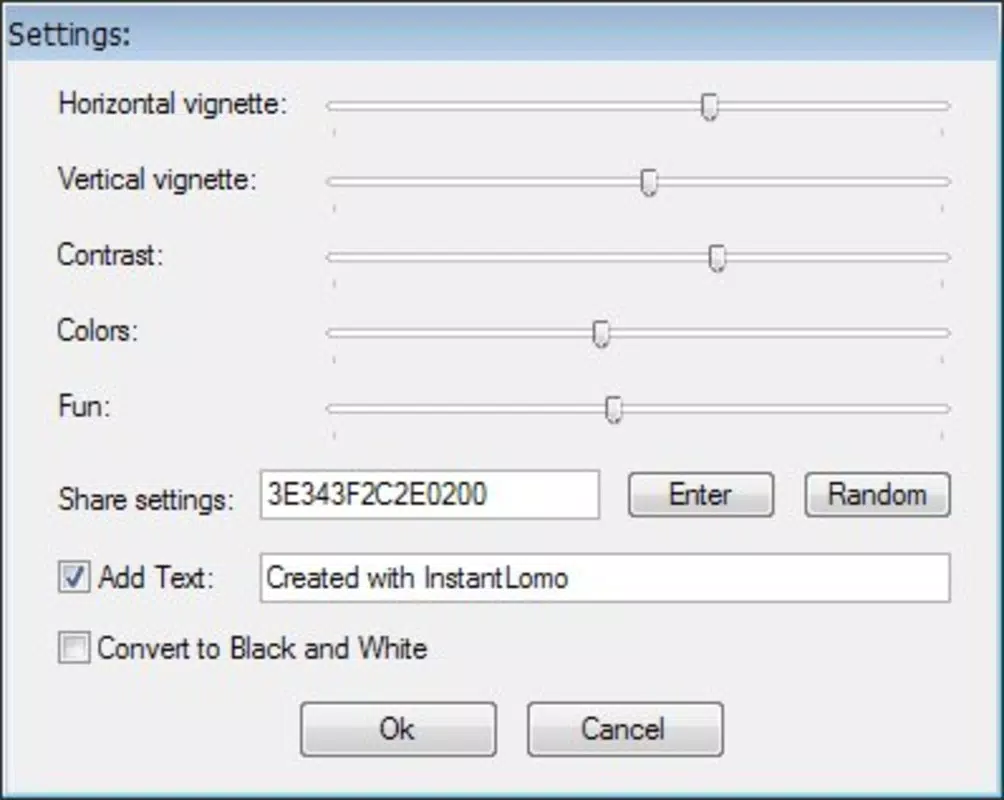
The interface of Instant Lomo reflects a minimalist design philosophy, with a focus on essential controls and limited visual elements. Navigation is straightforward, relying on basic buttons and sliders to adjust effect intensity. While the app does not include a real-time preview feature, its layout remains consistent across screen sizes, suggesting a stable design approach. Users can expect smooth interaction on most Android devices, though the developer did not specify performance benchmarks or compatibility with specific hardware.
Although the developer did not list formal performance metrics, the app’s small file size and lack of installation requirements suggest efficient resource usage. This implies that it should run reliably on older or lower-end devices without significant lag. However, the absence of a preview function may lead to usability friction, particularly for users unfamiliar with the app’s behavior. The experience is best suited for those who are willing to accept minor trial and error in exchange for creative freedom. Stability appears consistent, given the app’s long-standing presence in the market, though no updates have been released since its initial launch.
Platform Compatibility & Technical Requirements
Instant Lomo is available exclusively on the Android platform. The current version is 1.0.0, with a file size of 2.5 MB. The app is free to download and use, with no in-app purchases or subscription models reported. The developer did not specify minimum OS requirements or compatibility with specific Android versions. Additionally, no information was provided regarding device architecture or hardware dependencies.
Given the app’s age and lightweight nature, it is likely compatible with a broad range of Android devices, including older models. However, users should verify compatibility with their specific device before attempting installation. The lack of updated requirements or version support indicates that the app may not be optimized for newer Android features or security standards, which could affect long-term usability.
Pros and Cons
- Lightweight and fast to load
- Simple interface suitable for beginners
- Free to use with no hidden costs
- Delivers authentic lomo-style effects
- Can be run without installation
- No real-time preview of edits
- No recent updates or developer support
- Limited customization options
- Compatibility with newer Android versions not confirmed
- May not function optimally on modern devices
FAQ
Is Instant Lomo safe to download and use?
Yes, the app is free and does not require installation. It is distributed through trusted app repositories and has no known security threats. However, users should ensure they download from official sources.
Can I use Instant Lomo on iOS devices?
No, the app is currently only available for Android. There is no official iOS version or compatible alternative provided by the developer.
Does Instant Lomo require an internet connection?
No, the app functions entirely offline. All editing tools and effects are processed locally on the device.
How do I update Instant Lomo?
As of now, no updates have been released since the initial version. The developer has not announced any future update plans.
Is Instant Lomo suitable for professional photography?
While the app can enhance casual photos with a retro aesthetic, it lacks the precision and advanced features required for professional workflows. It is best suited for personal or creative use.
Final Thoughts
Instant Lomo remains a unique offering in the mobile photo editing space—simple, accessible, and focused on a single creative goal: delivering the lomo effect with minimal friction. While its lack of real-time preview and absence of updates may deter modern users seeking polished experiences, it still holds value for those who appreciate vintage aesthetics and enjoy hands-on experimentation. The app’s lightweight nature and zero installation barrier make it ideal for quick edits and portable use. For casual photographers, content creators, or anyone interested in retro-style visuals, Instant Lomo offers a nostalgic shortcut to creative expression. Despite its age, it continues to serve a specific niche with reliability and charm.
Download Instant Lomo now


